
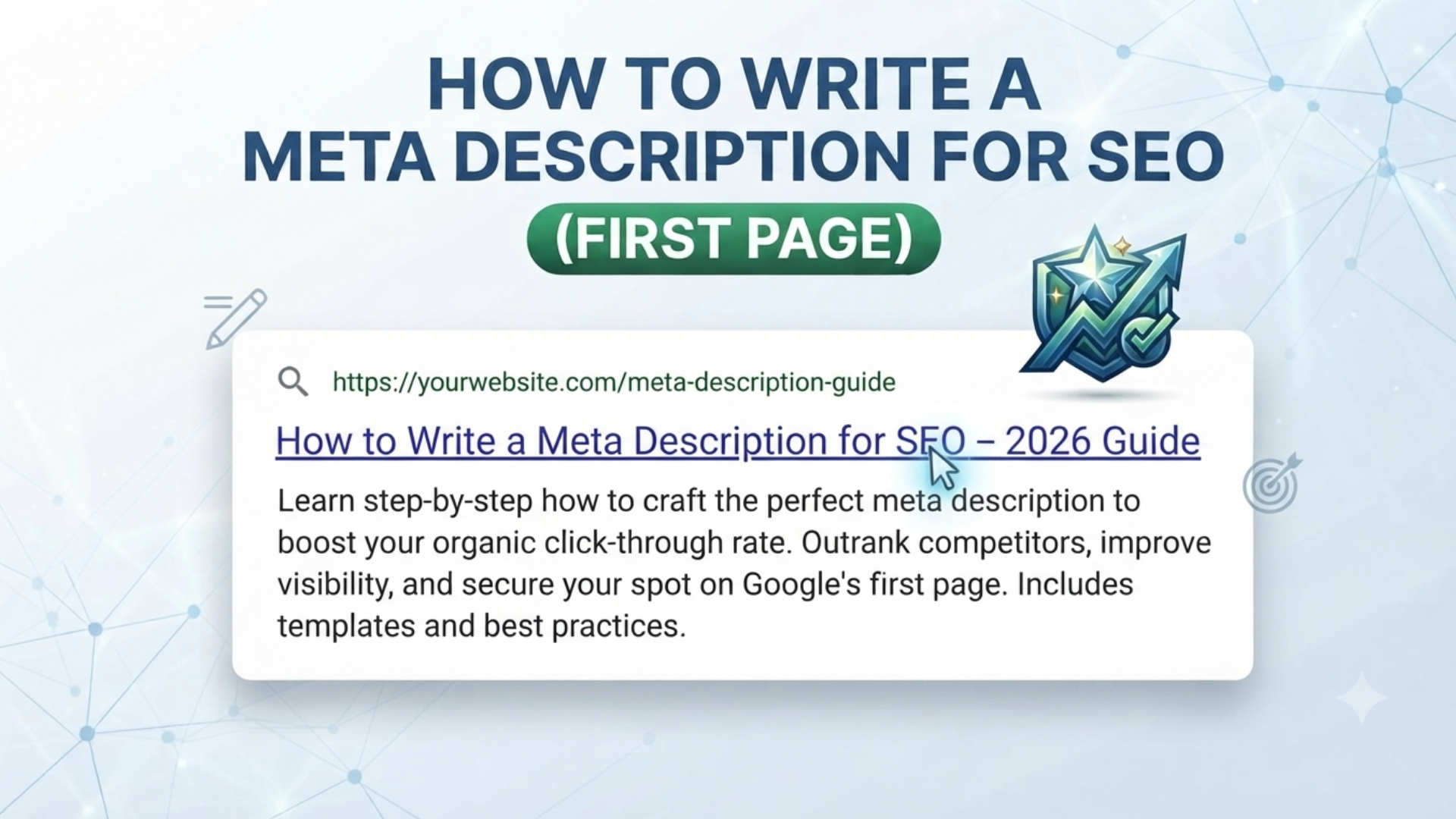
A meta description for SEO is the short block of grey text under your blue link in Google’s results. Honestly, it’s the most underrated piece of copy on your entire site. Here’s an uncomfortable truth: you can rank #3 on Google and still lose the click to the site sitting at #7. Why? Because their meta description made someone stop scrolling, and yours didn’t.
So before we go further, let’s be clear about what we’re solving here. Writing a meta description for SEO isn’t about stuffing a phrase into a box and moving on. It’s not a ranking factor Google plugs directly into its algorithm. But it is the single biggest lever you have over whether someone clicks through to your site. Think of it less like “SEO metadata” and more like a one-line elevator pitch to a stranger.
In this guide, we’ll break down exactly how to write a meta description for SEO that earns clicks in 2026. In other words, not the recycled “keep it under 160 characters” advice you’ve read before. We’ll cover the actual mechanics of what makes people click, what Google does with your description after you publish it, and how to fix the ones quietly costing you traffic right now.
A. What Is a Meta Description for SEO, Really?
A meta description is a short HTML snippet that summarizes what a page is about.
It lives in your page’s <head> section and doesn’t appear on the actual page a visitor sees. Instead, it only shows up in search engine results and when your link gets shared on social media.
To begin with, it doesn’t boost your rankings on its own. However, it directly shapes your click-through rate (CTR). And CTR is one of the strongest behavioral signals search engines use to judge whether people find your result useful. As a result, a lazy meta description hands your traffic to a competitor with a worse page but a better pitch. That’s why getting your meta description for SEO right matters more than most writers assume.
For a deeper look at how these snippets fit into the bigger picture, Google’s own Search Central guidance explains how snippets are generated and why your written description isn’t always the final word. For a broader on-page checklist, our guide on on-page SEO fundamentals walks through the other elements: titles, headings, and internal links that work alongside your meta description.
B. The 2026 Meta Description for SEO Formula
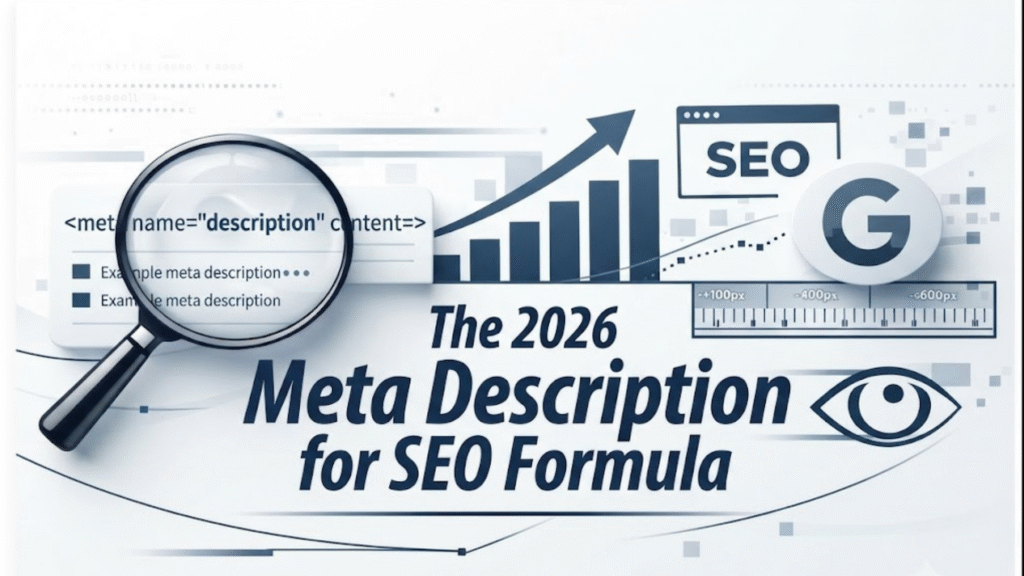
Search behavior has shifted a lot lately. More searches now happen on mobile, and AI-generated overviews sit above traditional results for a huge share of queries. Consequently, that changes what “good” looks like when you’re writing a meta description for SEO.
| 1. Front-load the value, not just the keyword. Put your strongest hook in the first 120 characters. Mobile screens and AI summary boxes often cut descriptions off earlier than on desktop, so anything after that point is a bonus, not a guarantee. |
| 2. Include your focus keyword naturally, more than once. For this article, that’s the meta description for seo. You’ll notice it woven into the intro, the subheadings, and the examples below, instead of crammed in once and forgotten. Search engines still bold matching terms in the snippet, and that bold text is what catches the eye mid-scroll. |
| 3. Write like an ad, not a summary. “This article discusses meta descriptions” tells someone nothing. “Your meta description is losing you clicks; here’s the fix” tells them a problem and a solution is waiting. Specificity beats politeness every time. |
Formatting and Length Rules for 2026
| 4. Add a reason to click now. A number, a promise, or a mild sense of urgency works well; for instance, “5 formulas” or “in under 10 minutes.” These are small friction-reducers that nudge a scroller into a clicker. |
| 5. Keep it in the 140–155 character safe zone. Desktop can show up to 160 characters. But mobile traffic dominates today, and AI Overviews truncate even earlier, so staying tighter protects your message. Moz’s meta description guide recommends the same range: your value proposition and primary keyword inside the first 120 characters. |
Real Meta Description for SEO Examples (Good vs. Bad)
| ❌ Weak: “In this blog post, we talk about meta descriptions and why they are important for your website’s SEO ranking.” |
| ✅ Strong: “Your meta description could be the reason people skip your page. Here’s the 2026 formula that turns impressions into clicks.” |
C. Does Google Actually Use What You Write?
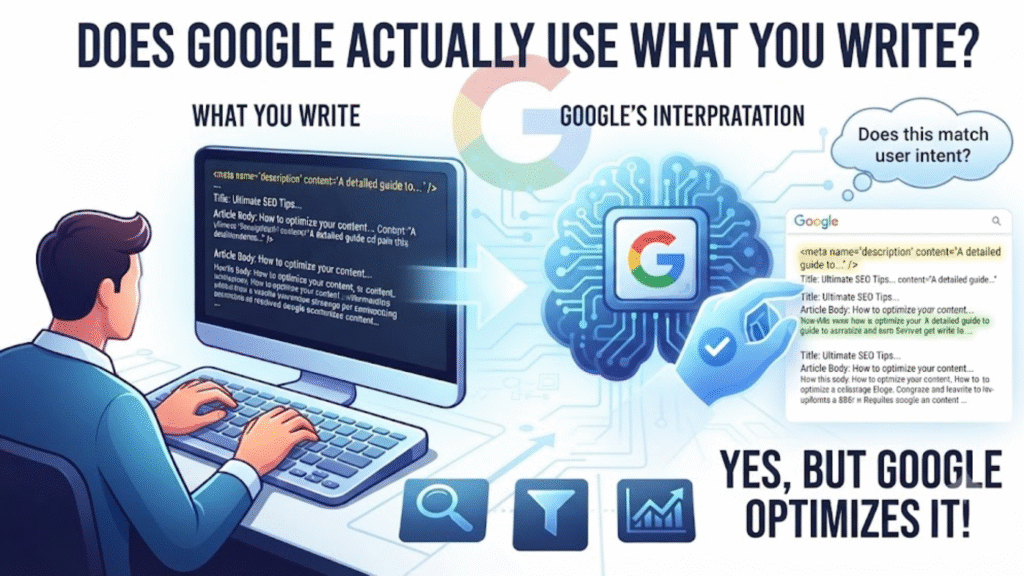
Here’s the part most guides skip: Google frequently rewrites your meta description for SEO anyway. In fact, recent research indicates Google now rewrites meta descriptions roughly 70% of the time. Usually, that happens because Google found a snippet elsewhere on the page that answers the searcher’s specific query more precisely than your hand-written tag.
So should you stop writing them? Not at all quite the opposite. A well-written description acts like a seed. When it’s accurate and closely matched to the page content, Google is far more likely to keep it as written. That means you keep control of your pitch in the results. Skip writing one, and you’re gambling on an algorithm to pick a random sentence from your page, which is rarely your best sentence. Search Engine Land’s coverage of snippet rewrites has tracked this trend closely over the past year if you want to dig deeper.
If you want to see how this plays out across an entire site, check out our related walkthrough on improving click-through rate with Google Search Console, which builds directly on the ideas here.
D.Meta Description Length: What’s Actually Safe in 2026
There’s no single “magic number” for meta description length. Display length depends on pixel width, not character count, and that varies by device. Still, as a practical target:
| 1. Desktop: up to ~155–160 characters before truncation |
| 2. Mobile: often cut off closer to 120 characters |
| 3. AI Overviews/snippet boxes: frequently pull the shortest, clearest sentence so don’t bury your best line at the end |
E.Common Meta Description for SEO Mistakes That Kill CTR
| 1. Duplicate descriptions across multiple pages — Google will just ignore them and write its own. |
| 2. Keyword stuffing — cramming in five variations of your keyword reads as spam, not relevance. |
| 3. Vague, generic language — “Learn more about X” says nothing a searcher can act on. |
| 4. No CTA or hook — even a simple “here’s how” outperforms a flat statement. |
| 5. Writing it last, as an afterthought — the description deserves as much thought as your headline |
F. A Quick Note on Using AI Tools to Write a Meta Description for SEO
A lot of writers now lean on AI assistants like Claude to draft or refine their meta descriptions. That works well, as long as you edit the output so it doesn’t sound templated. If you’re curious how tools like Claude handle the data you type in while writing, we’ve broken down whether Claude AI sells your data in a separate deep dive — worth a read before you paste in anything sensitive.
G. Meta description in SEO (FAQ)
1. What is a meta description in SEO?
A meta description is a short HTML tag that summarizes a webpage’s content and appears in search results below the title. It doesn’t directly affect rankings but strongly influences click-through rate.
2. How long should a meta description for SEO be in 2026?
Aim for 140–155 characters. Front-load your key message within the first 120 characters so it isn’t cut off on mobile or in AI summary boxes.
3. Does Google always use the meta description you write?
No. Google often rewrites descriptions roughly 70% of the time when it finds page content that better matches the searcher’s query. Writing a strong one still increases the odds Google keeps it as-is.
4. Do meta descriptions directly improve Google rankings?
Not directly. They influence click-through rate, and a strong CTR can indirectly support rankings by signaling relevance and satisfying user intent.
5.What’s the biggest mistake people make writing a meta description for SEO?
Writing a flat summary instead of a pitch. A meta description should give someone a reason to click, not just a recap of the page

Pingback: Email Newsletter: How to Increase Website Traffic (7 Ways)