

Canva Templates on Etsy are one of the fastest growing digital product categories on the platform. In fact, Canva now reports more than 190 million monthly active users. Meanwhile, Etsy serves over 91 million active buyers as of Q3 2026. As a result, that overlap is huge. Today, some shop owners selling Canva templates clear more than $30,000 a month. Because a single template file can sell hundreds of times, there is zero inventory and instant delivery.
However, that opportunity also brings more competition. Generally, generic listings get buried fast. Below, you will find nine proven, practical ways to grow visibility and sales for Canva Templates on Etsy in 2026. Along the way, you will also see real examples, comparisons, and answers to the questions buyers and sellers ask most.
Canva Templates on Etsy by the numbers
First, a few 2026 facts explain why this niche keeps growing. At the same time, they explain why the bar for a good listing keeps rising too.
| Data point | 2026 figure |
|---|---|
| Canva monthly active users | 190 million+ |
| Etsy active buyers | 91 million+ (Q3 2026) |
| Etsy transaction fee | 6.5% per sale |
| Typical seller take home after fees | 85% to 93% of each sale |
| Reported top seller monthly revenue | $30,000+ |
| Common single template price | $10 to $15 |
| Common 5 pack bundle price | $35 to $40 |
Source: Gelato’s 2026 guide to selling Canva templates and Insight Agent’s 2026 Canva template report.
1. Niche down instead of going broad

To start, wide categories like “social media templates” are saturated. Instead, pick a specific audience, such as wedding planners, real estate agents, or wellness coaches. Consequently, narrow shops rank higher, since their listings match narrower, high intent searches. For example, a 2026 buyer searching “boho wedding seating chart Canva template” is close to buying, while a buyer browsing plain “Canva templates” is not.
2. Build bundles, not single listings

Typically, single templates sell for $10 to $15. On the other hand, a bundle of five related designs can sell for $35 to $40. Therefore, buyers feel they got a deal, and sellers see the average order value double or triple. For instance, a birthday party suite (invitation, thank you card, food label, and sign) sells better as one $28 bundle than as four separate $8 listings.
3. Use real Etsy search data for keyword research

First, type your idea into the Etsy search bar. Then, study the autocomplete suggestions, since those come from real shopper queries. In addition, tools like EtsyHunt, Alura, and Marmalead can surface long tail keywords with real buying intent. Ultimately, this one habit often decides whether a listing ranks or disappears.
4. Optimize the listing exactly like an SEO checklist

Overall, Etsy’s search works a lot like a search engine, so treat every listing like an SEO page.
| SEO element | What to do |
|---|---|
| Title | Lead with the focus keyword, e.g. “Canva Templates on Etsy: Modern Invitation Suite” |
| First 160 characters of description | Restate the keyword naturally |
| Tags | Use all 13 tag slots with long tail variants |
| Image alt text | Describe the template plus the keyword, e.g. “canva templates on etsy wedding invitation mockup” |
| Category and attributes | Fill in every field Etsy offers |
5. Show, don’t just tell, with mockup images
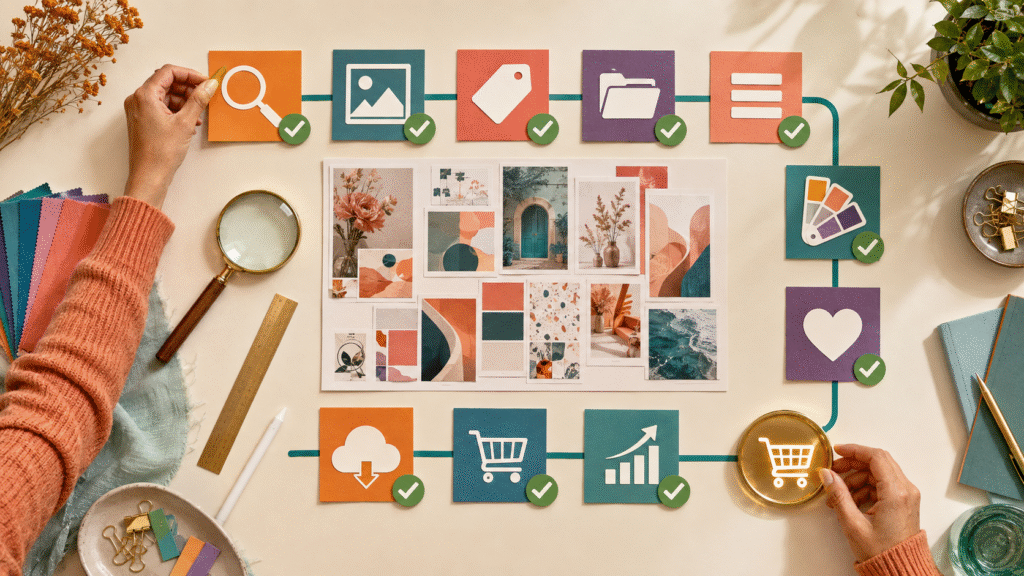
Generally, clean, styled mockups convert better than flat screenshots. For that reason, show the template on a laptop, a phone, and a printed mockup so buyers can picture the final result. Below is how listing style tends to compare:
| Listing style | Typical click through | Typical conversion |
|---|---|---|
| Flat Canva screenshot only | Low | Low |
| Styled lifestyle mockup + text overlay | Moderate to high | Moderate |
| Mockup + before and after example | High | High |
6. Deliver with a clean template link, not a raw file

Since Etsy does not allow direct Canva file uploads, the standard fix is a PDF that holds your Canva “Template Link.” This way, each buyer gets their own editable copy while your master file stays untouched. Additionally, add a short 2 minute walkthrough video, so first time Canva users get confused less and support messages drop as a result.
7. Price using the real 2026 fee structure
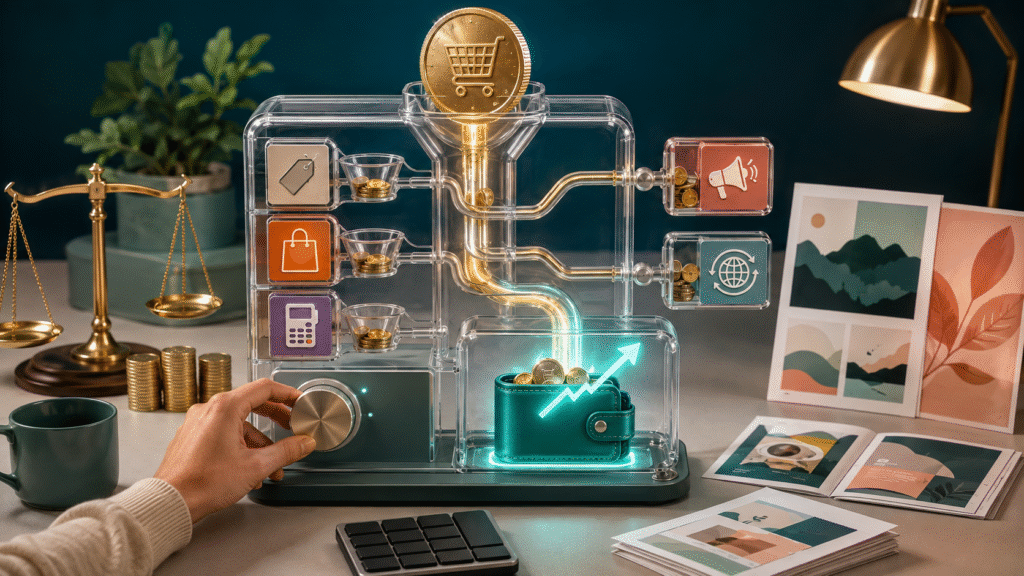
Currently, Etsy’s transaction fee is 6.5% in 2026, plus a small flat listing fee. Even so, most digital sellers still keep 85% to 93% of each sale after fees, which is a strong margin since there is no shipping cost or material cost to eat into it. As a result, price bundles just under round numbers, like $27 instead of $30, because Etsy shoppers respond well to that pattern.
8. Launch consistently instead of all at once
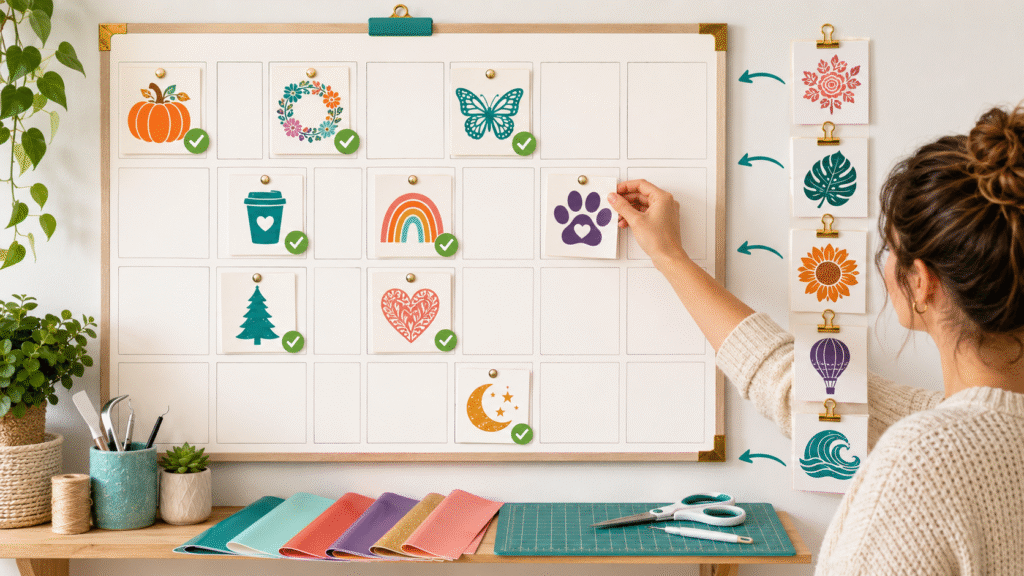
Above all, weekly new listings signal an active shop to Etsy’s algorithm. In contrast, shops that upload ten templates once and then go quiet tend to lose visibility over time. For example, a planner shop that releases one new variant every Friday will usually outrank a shop that dropped a big batch six months ago and never returned.
9. Use AI tools to speed up variations

Notably, Canva’s Magic Studio and Magic Switch cut creation time sharply. For instance, you can resize one Instagram post into a Pinterest pin or an Instagram story in seconds. Afterward, sell more variants of your bestseller, such as new color palettes, seasonal versions, or different aspect ratios. Altogether, this is one of the fastest ways to grow revenue without starting from zero each time.
Canva Templates on Etsy vs other digital products
Of course, not every digital product performs the same way on Etsy. Below is how Canva templates stack up against two other popular formats.
| Product type | Setup effort | Reuse potential | Buyer editing skill needed |
|---|---|---|---|
| Canva templates | Low to medium | High, resell endlessly | Low, edit in browser |
| Printable PDFs (static) | Low | High | None, print and use |
| Custom design services | High | Low, one off work | None, done for buyer |
Overall, Canva templates sit in a strong middle ground. Specifically, they need more upfront design work than a static printable, but far less ongoing work than a custom service. Because of that balance, many new sellers choose this format for 2026.
Meanwhile, if you are also weighing whether to keep everything inside Etsy or expand to your own storefront, this comparison on selling on Etsy versus your own website for digital products breaks down the trade offs in more detail.
Suggested Etsy tags for this listing for Canva Templates on Etsy
To round things out, here are 13 tag ideas built around the focus keyword and its long tail variants. Feel free to swap in niche specific words for your own shop.
- canva templates etsy
- etsy canva template shop
- editable canva template
- digital download template
- canva template bundle
- instant download canva
- printable canva design
- small business canva kit
- etsy digital product 2026
- canva template pack
Canva Templates on Etsy (FAQ)
Can you legally sell Canva templates on Etsy?
Yes. Selling templates built with Canva is allowed. However, do not resell premium Canva elements as standalone assets, and follow Canva’s content license terms.
How much can you realistically make selling Canva templates on Etsy?
Earnings vary a lot by niche and consistency. Typically, new shops earn modest amounts in the first few months, whereas established shops with bundles and repeat buyers have reported five figure monthly revenue
Do you need Canva Pro to sell templates?
No. A free Canva account is enough to start. Still, Canva Pro unlocks extra fonts, backgrounds, and the background remover, which can speed up production.
What is the best way to deliver a Canva template to a buyer?
Simply share a PDF with the Canva Template Link inside, plus simple instructions, since Etsy does not support direct Canva file uploads.
How many Canva templates should a new Etsy shop launch with?
Ideally, start with one tight bundle in a specific niche instead of dozens of unrelated designs, then expand once you see which style sells.
Final thought on Canva Templates on Etsy
Overall, Canva Templates on Etsy remain a strong opportunity in 2026. In short, success now depends on niche selection, keyword research, clean delivery, and steady new releases, since simply listing a design and waiting is not enough anymore. So, apply three or four of the strategies above, and most shops will see a real lift in visibility and sales within a few weeks.

Pingback: Why Do Buyers Ignore Your Etsy Listing Thumbnail? 5 Fixes
Pingback: Google Pics vs Canva for Etsy Sellers: Which Is Better?