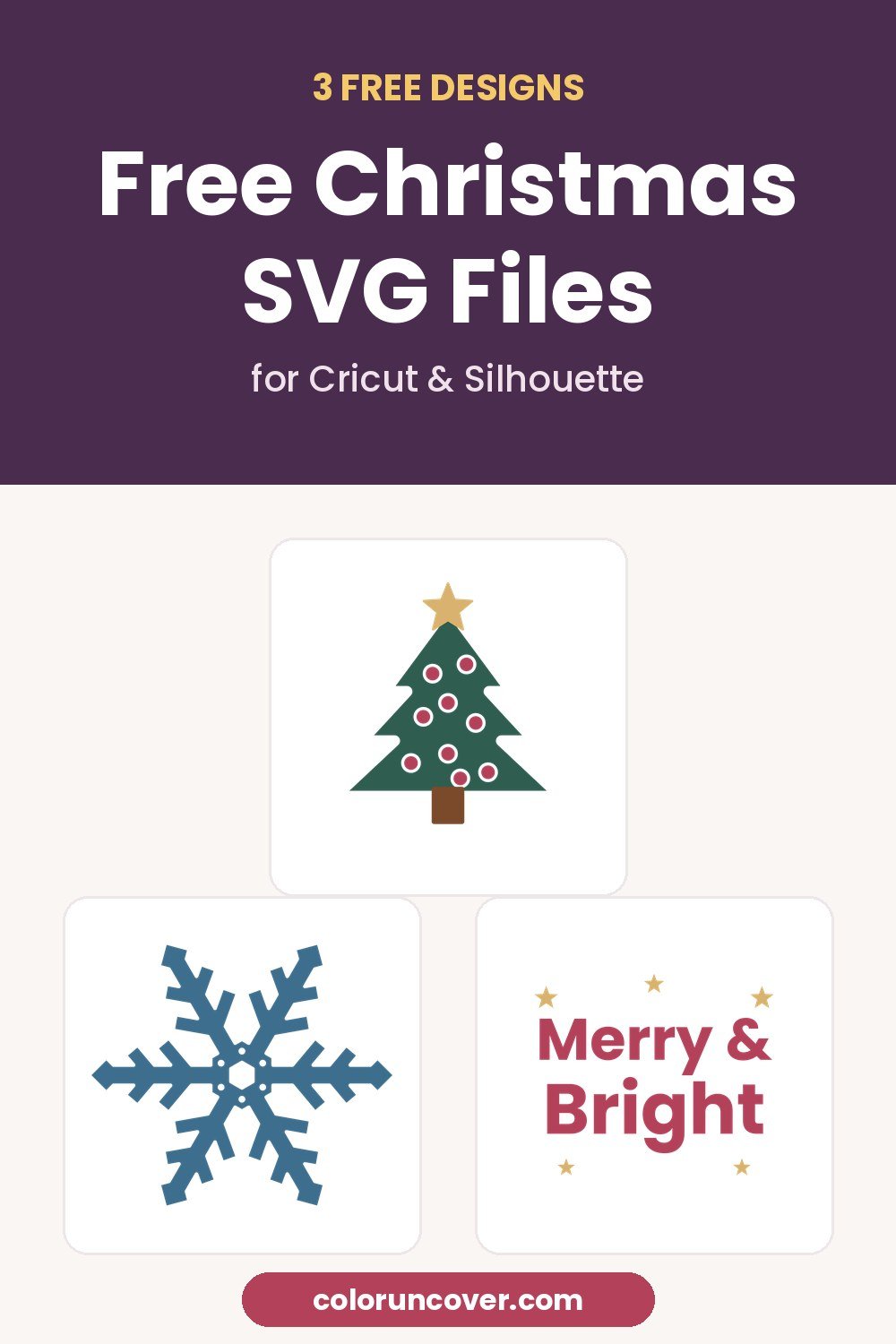
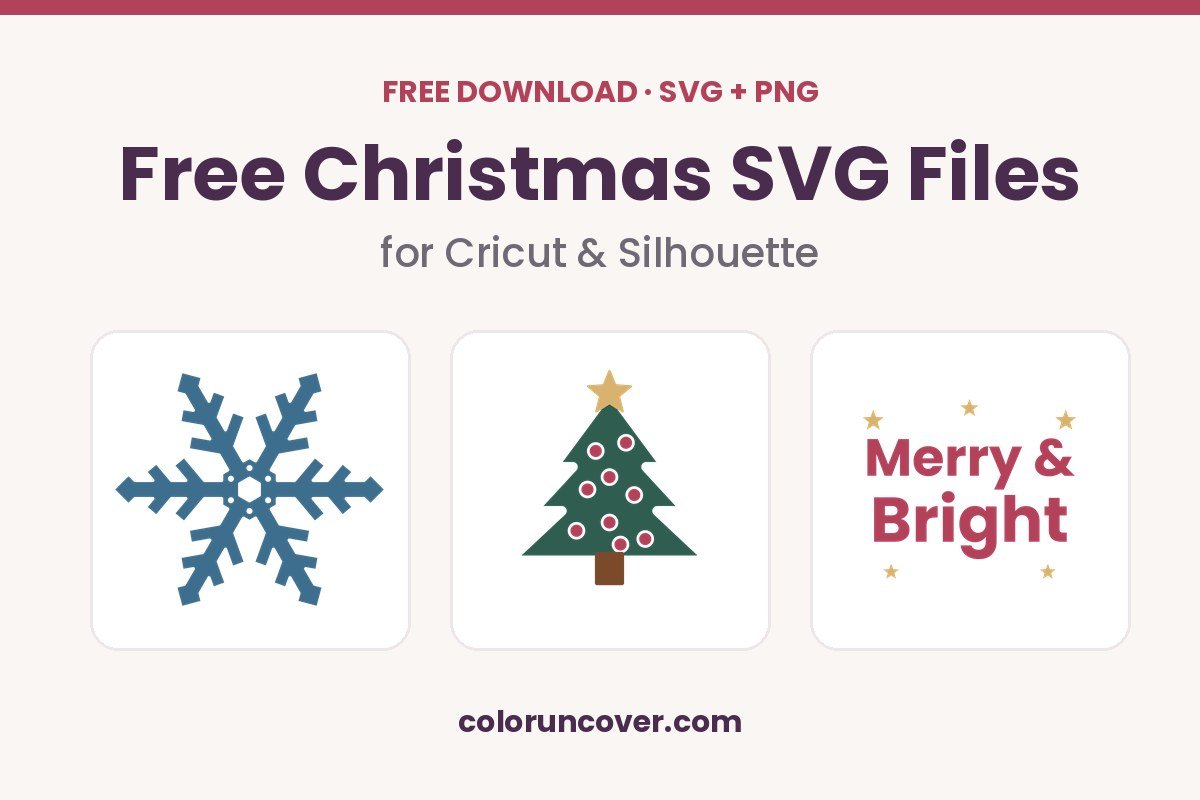
Here are three Christmas SVG files you can download for free this year: a snowflake, a little Christmas tree and a “Merry & Bright” phrase. They are ready to cut on a Cricut or Silhouette, and the ZIP has both SVG and PNG versions of each design.
FREE DOWNLOAD
Christmas SVG bundle (3 designs)
SVG + PNG files in one ZIP. Free for personal projects and small craft sales.
Download the free SVGsWant printable Christmas coloring pages too? You can get 4 free Christmas and New Year coloring pages made for alcohol markers.
What’s in the free Christmas SVG bundle
Each design comes as an SVG for cutting and a 2000 px PNG with a clear background. The PNG is handy for printable cards or if you color the design by hand.
- The snowflake is one solid piece with a small hexagon cut-out in the middle. It cuts cleanly from glitter cardstock or adhesive vinyl.
- The Christmas tree has four layers (tree, trunk, ornaments and star), so you can give each part its own vinyl color.
- Merry & Bright uses thick, rounded letters with small gold stars around them. Thick letters are easy to weed, even on a kids’ shirt.
How to upload the SVG to Cricut Design Space
- Download the ZIP and unzip it. On a phone, open it in your Files app first. If you get stuck, our guide on how to download and unzip SVG files shows every step.
- Open Cricut Design Space and start a new project.
- Click Upload, then Upload Image, and choose the .svg file.
- Select the design and click Add to Canvas.
- Resize it and click Make. If you are cutting iron-on vinyl, turn on Mirror for that mat.
On a Silhouette, open the SVG in Silhouette Studio Designer Edition. The free Basic Edition can’t open SVG files, so use the PNG with the Trace tool instead.
Easy Christmas projects with these free SVGs
Snowflake ornaments, gift tags and window decals
Cut the snowflake from white glitter cardstock at about 4 inches and hang it on the tree with thin ribbon. At 2 inches it makes a sweet gift tag. For a window, use removable vinyl so it peels off cleanly in January.
Christmas tree shirts and cards
The tree works well on a kids’ T-shirt with heat transfer vinyl. Press the green tree first, then add the trunk, ornaments and star on top. For a quick card, cut the tree from green cardstock and glue it onto a kraft card base.
Merry & Bright sweatshirts, mugs and signs
On an adult sweatshirt, about 10 inches wide looks right. On a mug, go for around 3 inches with permanent vinyl. It also looks lovely on a small wooden sign painted cream.
Christmas colors that go with these designs
For colors that match, try our Classic Christmas color palette: deep green, cranberry, red, gold and cream, with HEX codes you can copy into Cricut or Canva. Every palette page also lists the closest Ohuhu marker for each color, which helps if you print the PNG and color it by hand. You can browse all of them in our seasonal color palettes.
All 10 free Christmas SVG files in our library
Each design also has its own page in our free SVG library, with file details and a direct download:
- Christmas snowflake SVG
- Christmas tree with ornaments SVG
- Merry and Bright SVG
- Merry Christmas 2026 SVG
- Swirl Christmas tree SVG
- Santa 2026 sign SVG
- Gingerbread man SVG (new)
- Reindeer face SVG (new)
- Joy with holly SVG (new)
- Cozy Season hot cocoa SVG (new)
More Christmas SVG ideas
- Snowman SVG ideas for kids and family
- Gingerbread and hot cocoa SVG for family Christmas shirts
- How to make a Merry Christmas reindeer sweatshirt with Cricut
If you want bigger sets, the Snowman Face SVG Bundle and the Christmas Crew family designs are in the Color Uncover Etsy shop.
Free Christmas SVG FAQ
Are these Christmas SVG files really free?
Yes. You can use them for personal projects and on up to 500 handmade items per design that you sell yourself. Please don’t share or resell the files themselves. The full rules are in the ColorUncover Free SVG Licence.
Do I need to sign up to download?
No. The download button gives you the ZIP straight away.
What size can I cut them?
SVG files scale to any size without getting blurry. For the snowflake, stay above about 3 inches so the thin branches don’t tear.
Can I use them with Silhouette?
Yes. Silhouette Studio Designer Edition opens the SVG. With the free Basic Edition, import the PNG and use Trace.